Your block-world video workbench

Minecraft AI Video Generator

Real build test output16:9
SceneBuild reveal
Length6 sec
Cost16 credits

Describe one shot. Each Build, Character, or Redstone idea is routed through the video model tested for that scene.

A smaller set of controls, grounded in the things that change a shot

Build / Character / Redstone

Scene routes

5-6 seconds

Clip length

Exact credit quote

Before submit

Server-side provider key

Account safety

Choose by creative intent

One AI video studio, three scene-specific jobs

Build geometry, character motion, and redstone logic need different strengths. The Minecraft AI video generator identifies the scene, then applies a tested prompt frame and compatible route.

Choose what viewers must understand and describe one action. The Minecraft AI video generator handles duration, resolution, aspect ratio, and route validation behind the interface.

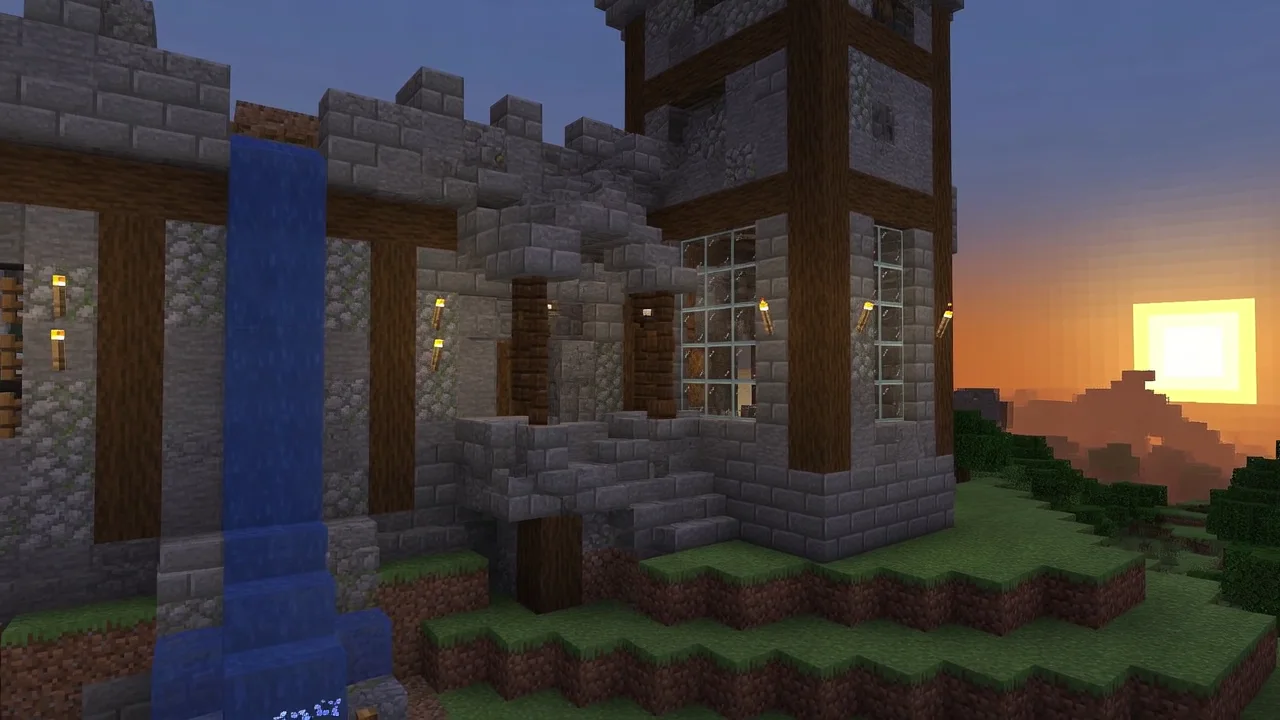
AI-generated Minecraft-style castle with stone blocks, oak beams, waterfall, and sunrise

Build scenes

Create castle reveals, survival bases, landscapes, or village fly-throughs. Name stable geometry, key materials, and one camera move.

Best for
Structures, environments, fly-throughs, and cinematic reveals
Why this route
Selected for readable block geometry, material detail, and controlled camera movement.
Open a build draft
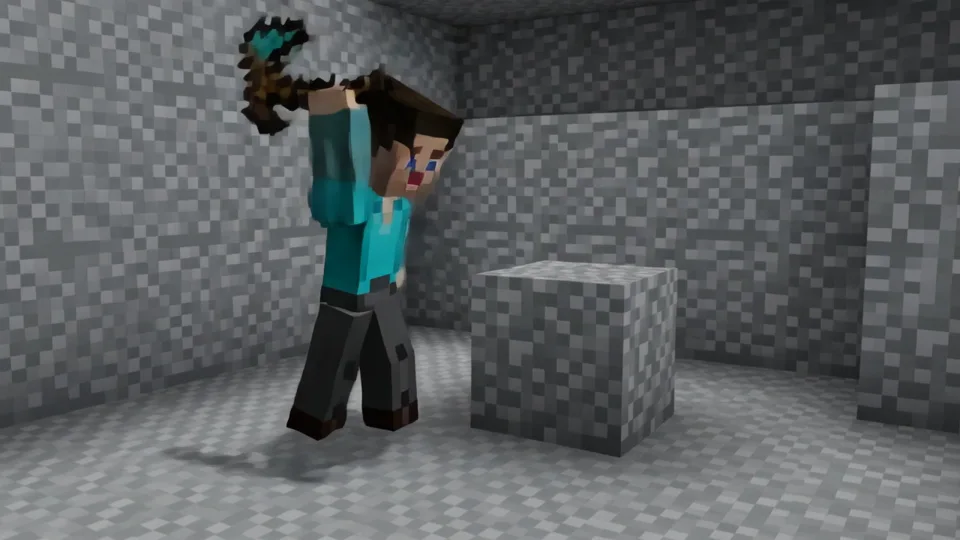
AI-generated block character carrying a pixel pickaxe inside a stone cave

Character scenes

Stage one block-style character performing one clear action. Stable identity, a single subject, and simple staging improve coherence.

Best for
Character-led motion, reactions, creator intros, and action beats
Why this route
Selected for steadier block proportions, tools, and staged actions.
Open a character draft
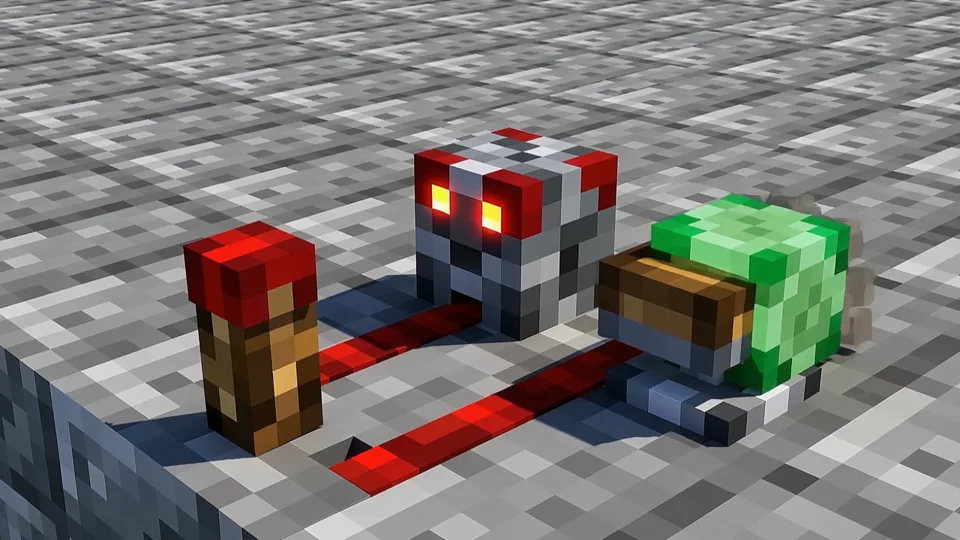
AI-generated redstone mechanism with lever, powered dust, repeater, piston, and slime block

Redstone scenes

Visualize piston doors, farms, or mechanism explainers. Show visible parts, activation order, and cause and effect from a stable angle.

Best for
Circuits, powered devices, technical reveals, and tutorial inserts
Why this route
Selected for visible topology, sequential motion, and readable components.
Open a redstone draft

Describe · Route · Render

A fast workflow that still shows its work

The Minecraft AI video generator keeps submission deliberately short: identify the scene, write the shot, select landscape or portrait, and confirm the displayed credit cost.

  1. Describe one shot

    Name the subject, action, setting, camera move, lighting, and final state. Keep each prompt to one focused 5-6 second moment.

    The private job keeps your original prompt for remixing.

  2. Route by scene

    Each scene maps to server-controlled parameters verified against Buble's live video catalog.

    The browser never receives the API key or controls cost.

  3. Render and review

    Credits are reserved, the task is submitted, and the workbench polls until completion.

    Provider failures and cancellations restore the associated credits once.

AI video can drift or miss important details. Review the completed clip, then download it, reuse its draft, or refine the prompt.

Start from a concrete shot

Prompt starters for the three scene routes

Each starter shows what the Minecraft AI video generator needs: one subject, bounded action, spatial cues, and a clear camera instruction.

Send a starter to the workbench, then replace its materials, timing, setting, or action.

Castle fly-through

A sunrise fly-through toward a medieval block castle, from the stone gate above the towers, with oak beams, lanterns, glass windows, and one smooth camera move.

Names geometry, materials, light, and a single move.

Use this prompt

Miner reaction

One block-style adventurer enters a glowing cave, raises a torch, notices diamonds, turns, and reacts in a stable three-quarter medium shot.

Keeps one subject and a readable action sequence.

Use this prompt

Piston door reveal

A side view of a compact three-by-three piston door: a lever powers dust, repeaters fire in order, pistons retract, and the doorway opens while the camera stays still.

Explains topology, order, result, and camera stability.

Use this prompt

Useful controls only

Control the shot without operating a model console

The Minecraft AI video generator exposes scene, prompt, and format. Provider fields are compiled on the server, keeping the workbench focused on desktop and mobile.

Use 16:9 for YouTube and 9:16 for Shorts. Tested routes fix duration at six seconds for Build and Redstone and five for Character.

  • Scene-aware defaults

    Scene selection updates prompt guidance, duration, route, and credit quote.

  • Two publishing formats

    Switch between 16:9 landscape and 9:16 portrait.

  • Quote before submit

    Build costs 16 credits, Character 24, and Redstone 28; the server enforces each quote.

Shot setup
Ready

Scene route

BuildCharacterRedstone

Prompt

A sunrise orbit around a compact mountain base with stone supports, oak walkways, lanterns, and a narrow waterfall.
Format16:9
Duration6 sec
Quote16 credits
RouteBuild
Generate video

Evidence before adjectives

Scene routing based on matched video trials

To choose routes for the Minecraft AI video generator, we tested candidates on matched Build, Character, and Redstone briefs, recorded completion, cost, and latency, then reviewed sampled frames.

No route won every task: one presented builds better, another preserved characters and tools, while a third made mechanisms easier to follow.

Evaluation method

We compared prompt adherence, geometry, continuity, action, topology, camera use, UI artifacts, completion, latency, and cost. Frame samples cannot prove every motion property.

Matched scene tests

Candidates used scene-specific prompts and comparable supported output settings.

Different route per job

The Minecraft AI video generator routes by observed scene strengths and cost instead of one flagship model.

Human-visible criteria

We checked structure, materials, character and tool consistency, redstone order, and accidental UI.

Limits stay visible

AI video can drift or invent geometry. Treat every completed render as a draft, not proof of in-game correctness.

Build route

Structure-focused

Chosen for readable blocks, materials, camera use, speed, and cost.

Character route

Action-focused

Chosen for steadier character form, tools, and staged action.

Redstone route

Mechanism-focused

Chosen for visible parts and cause-and-effect.

Transparent usage pricing

Know the render cost before the queue

The Minecraft AI video generator shows each route's exact credit charge beside the button and checks your balance before creating a task.

New accounts get one trial balance. Subscriptions replenish credits; packs add flexible top-ups. Prices and grants come from a server-side catalog.

Fixed scene quote

Build is 16 credits for 6 seconds, Character 24 for 5, and Redstone 28 for 6.

Balance checked first

Insufficient balance blocks submission while keeping the prompt editable and linking to plans.

Provider failure refund

Buble creation failures and terminal failed or canceled jobs restore consumption once. A completed but imperfect video is not refundable as a failed task.

Choose a plan for your expected shot volume

Packs suit occasional tests; monthly or annual credits suit recurring publishing. Every paid option uses the same routes.

Compare credit options

Credits that match your publishing rhythm

Every render shows its exact credit cost before you submit. Failed provider renders are refunded automatically, and one-time packs stay valid for a year.

Creator

$19.99/mo

For a regular stream of short creator shots

  • 350 credits every month
  • Download completed videos
  • Automatic refunds on failed renders

Pro

$49.99/mo

For channels testing several ideas each week

  • 900 credits every month
  • All three scene presets
  • Private render history
  • Download completed videos

Studio

$99.99/mo

For production teams running larger queues

  • 2,000 credits every month
  • Sized for higher-volume content calendars
  • All three scene presets
  • Private render history

Product details

Questions creators ask before rendering

Clear answers about scene routing, prompt quality, generation time, credits, rights, and the limits of AI video.

The concise answer: this is a single-shot creative workflow with scene-aware routing, not an official game recorder, replay mod, world renderer, or promise of exact Minecraft mechanics.

Your next focused shot

Turn the next block-world idea into a focused shot

Open the Minecraft AI video generator, choose the scene that matches your idea, and review the exact duration and credit cost before anything is submitted.

Drafting is free. Sign in is required only when you submit a render, and a failed provider job restores its associated generation credits.